
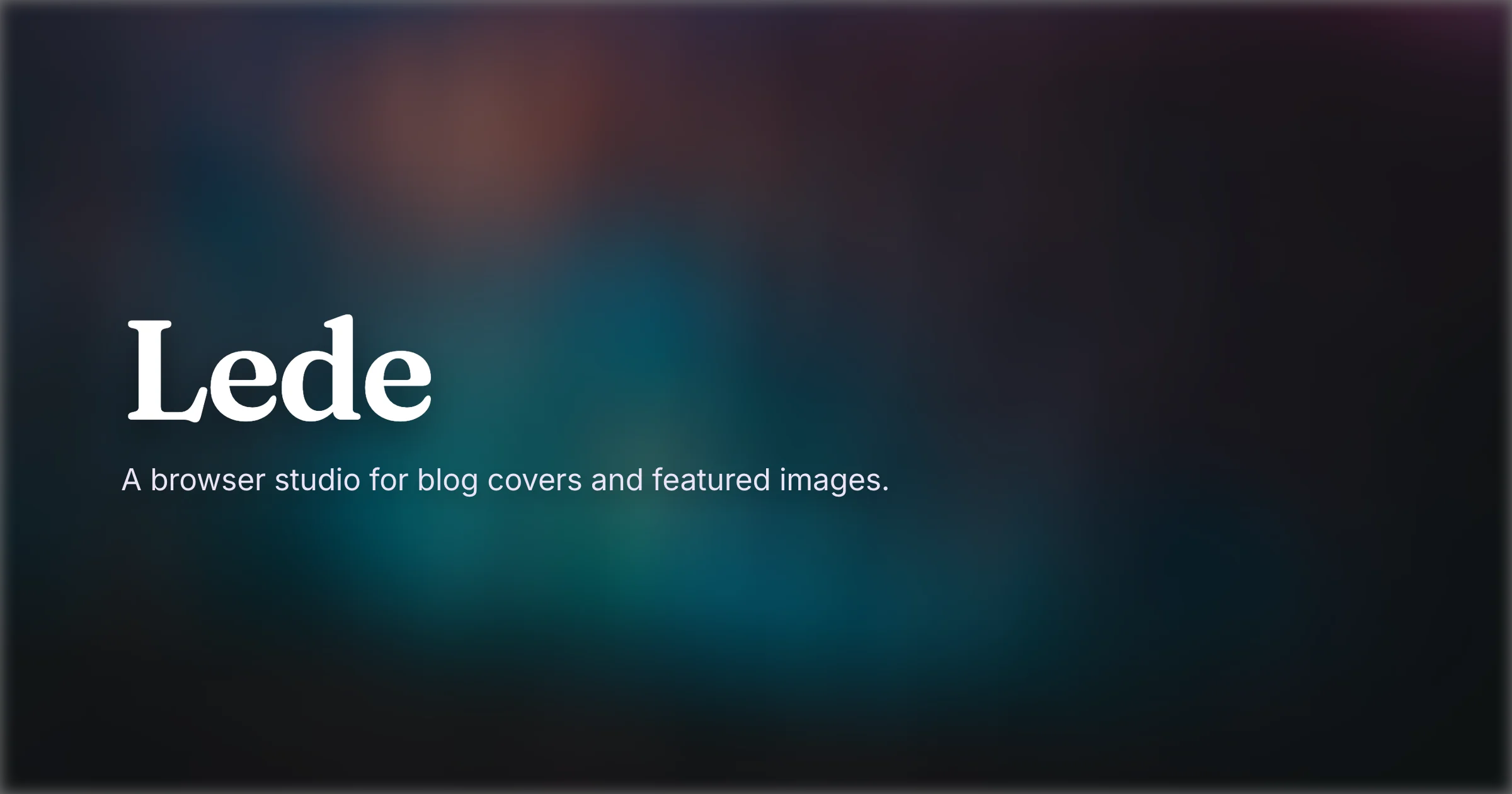
Every time I finish a post, there's one job left that I keep putting off: the cover image. Which is a little backwards, because the cover is the first thing anyone actually sees. People click a thumbnail and a title. Not the paragraphs I just spent an hour on.
The honest version
The cover almost always gets made last - five minutes before publishing, in whatever tool happens to be open. That's the part I wanted to make painless.
So why did I keep putting it off? Making a decent one was never the hard part. It was the slow part - open some heavyweight editor, sign in, dig a single 1200×630 card out from under a hundred features I'll never touch. Or grab a template pack and watch every post end up looking like the last one.
You know how this ends - "might as well build something". 😄
Enter Lede
Lede is a small studio for blog covers, featured images, and Open Graph cards. It runs entirely in your browser. Open the page, make a cover, export it. No account, no install, nothing to set up.
It stays on your device
This was the one thing I wasn't going to budge on. Lede has no backend for your work - nothing you make gets uploaded, and nothing gets "processed on a server" somewhere out of sight. Fonts and icons come off a CDN, sure, but the composing and rendering happen right on your machine. Your images never leave it.
A nice side effect: it's quick. There's no server round-trip every time you nudge a slider, so the preview just keeps up.
What you can actually do
Enough to make a cover that doesn't look like everyone else's, without forty panels to get lost in.
You pick a layout (one of six), set a title and subtitle, drop in an icon if you want one, and choose a background. Gradients dither out their own banding, so they stay smooth instead of stripey. Or bring your own image, with focal point, overlay, and blur.
Then export at whatever size you need: the 1200×630 Open Graph card or your own dimensions, as PNG, JPG, or WebP up to 4×. Need the whole set at once? The export kit zips them together.
There's a bit more around the editor, too:
- A gallery of 250 templates
Sorted by the kind of post you're writing: launch, deep-dive, tutorial, review, and so on. Start from one that is close and make it yours, instead of staring at a blank canvas. (browse it) - Share templates by link
Every design can be encoded into its own URL, so sending a template cover, or handing one off for someone else to tweak, is just a link. Nothing to upload, nothing to attach. - A blog
Short, practical guides on cover sizes, Open Graph cards, and what actually makes a cover work, over at the blog.
And local autosave underneath it all, so a stray refresh never costs you anything.
Made with itself
The cover at the top of this post was made in Lede. Of course, it was. 🙃 It's the tool I wanted to exist, so I built it.
If you write anything that needs a cover - blog, docs, a launch post, you name it - it's at lede.itznotabug.dev. Free, nothing to sign up for, and you can have a cover out in about a minute. Give it a shot!